πŸ”₯ Limited Time Offer

Flat 75% OFF

00
Days
00
Hours
00
Mins
00
Secs
Trending Arrow Trending Now

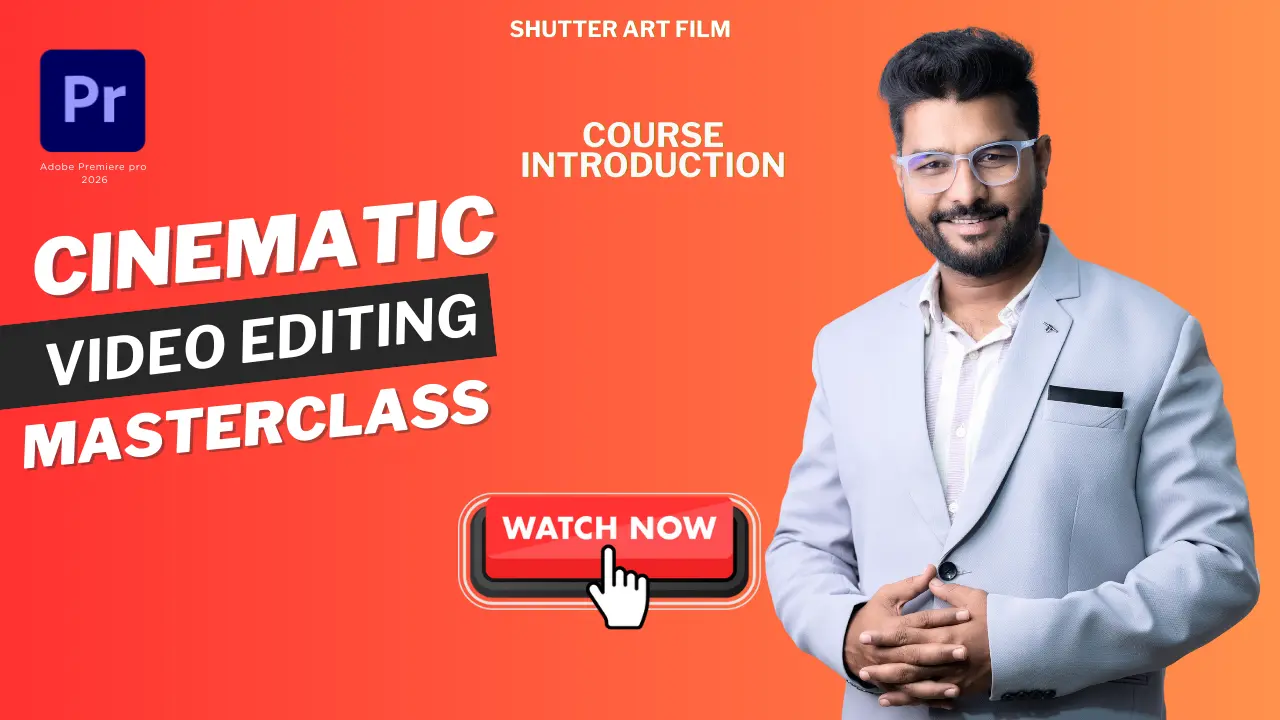
Cinematic Video Editing Masterclass 2026

Perfect for photographers and content creators β€” learn cinematic editing, color grading, storytelling, and complete project workflows in simple Hindi.
Premiere Pro Media Encoder Audition Photoshop Lightroom
β‚Ή7,999 β‚Ή1,999
Enroll Icon Enroll Now
Course Quick Highlights

Clock
0+ Hours of Learning
Video
0+ Video Lessons
Project
0+ Real-World Projects
Validity Icon

Course Validity

Lifetime

Language Icon

Course Language

Hindi

Course Level Icon

Course Level

Basic β†’ Advanced

Support Icon

Doubt Support

WhatsApp

Update Icon

Future Updates

Lifetime

Support Icon

All Software Free

All Editing-Related Software & Plugins – FREE

Software & Tools Coverage

Adobe Premiere Pro

Adobe Premiere Pro

Video Editing

Adobe Audition

Adobe Audition

Audio Cleaning & Sound Design

Adobe Photoshop

Adobe Photoshop

LUT Creation

Adobe Lightroom

Adobe Lightroom

Video Color Grading + Presets

Adobe Media Encoder

Adobe Media Encoder

High-Quality Rendering & Exporting

Film Impact

Film Impact

Premium Transitions for Premiere Pro

Premiere Composer

Premiere Composer

Motion Presets & Quick Transitions

Premiere Composer

Adobe Firefly

AI Creative Assets & Title Animations

What You’ll Learn in This Course

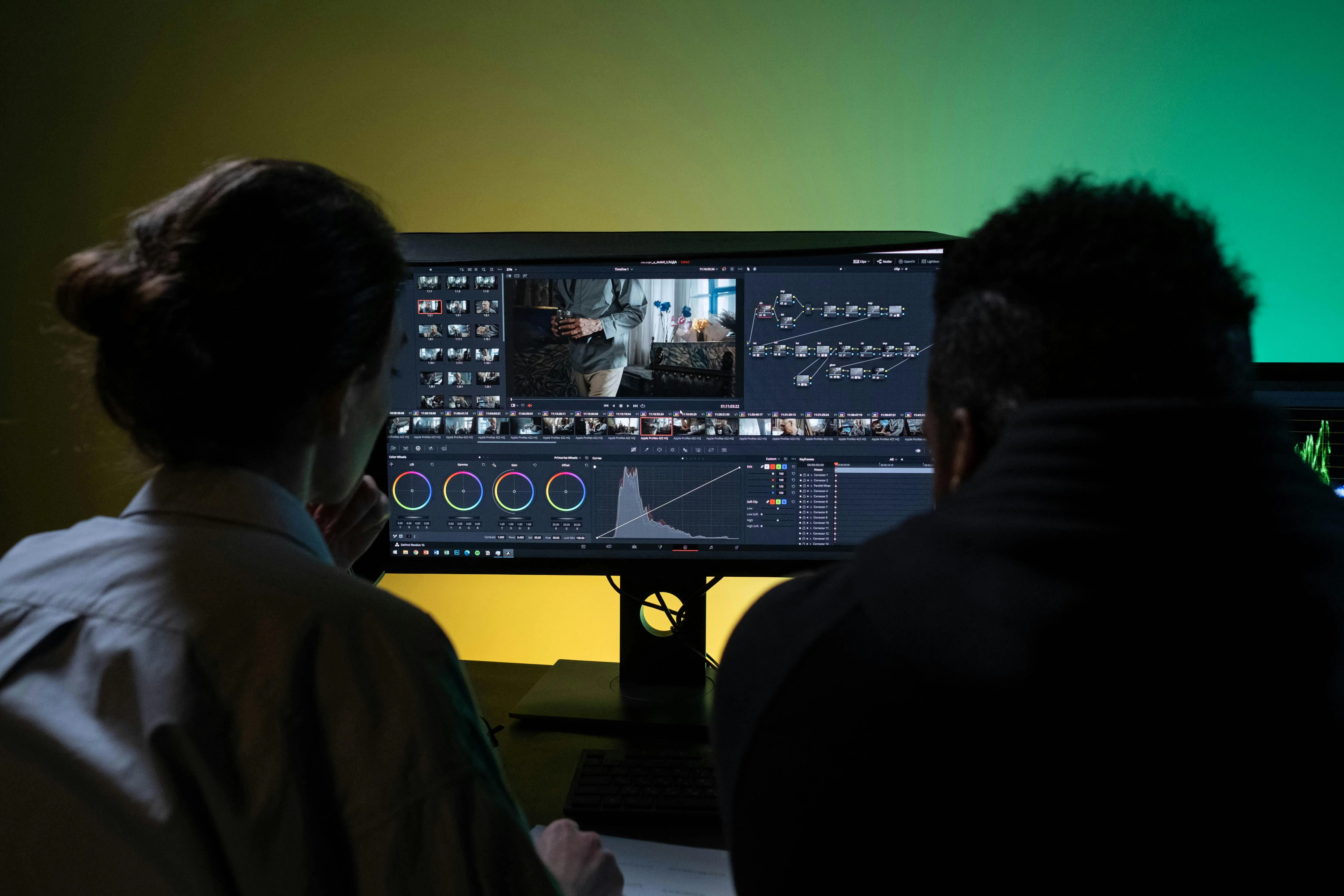
Video Editing

Premiere Pro Basics to Advanced

Learn the complete workflow from interface, timeline, tools, and shortcuts to professional-level editing.

Transitions

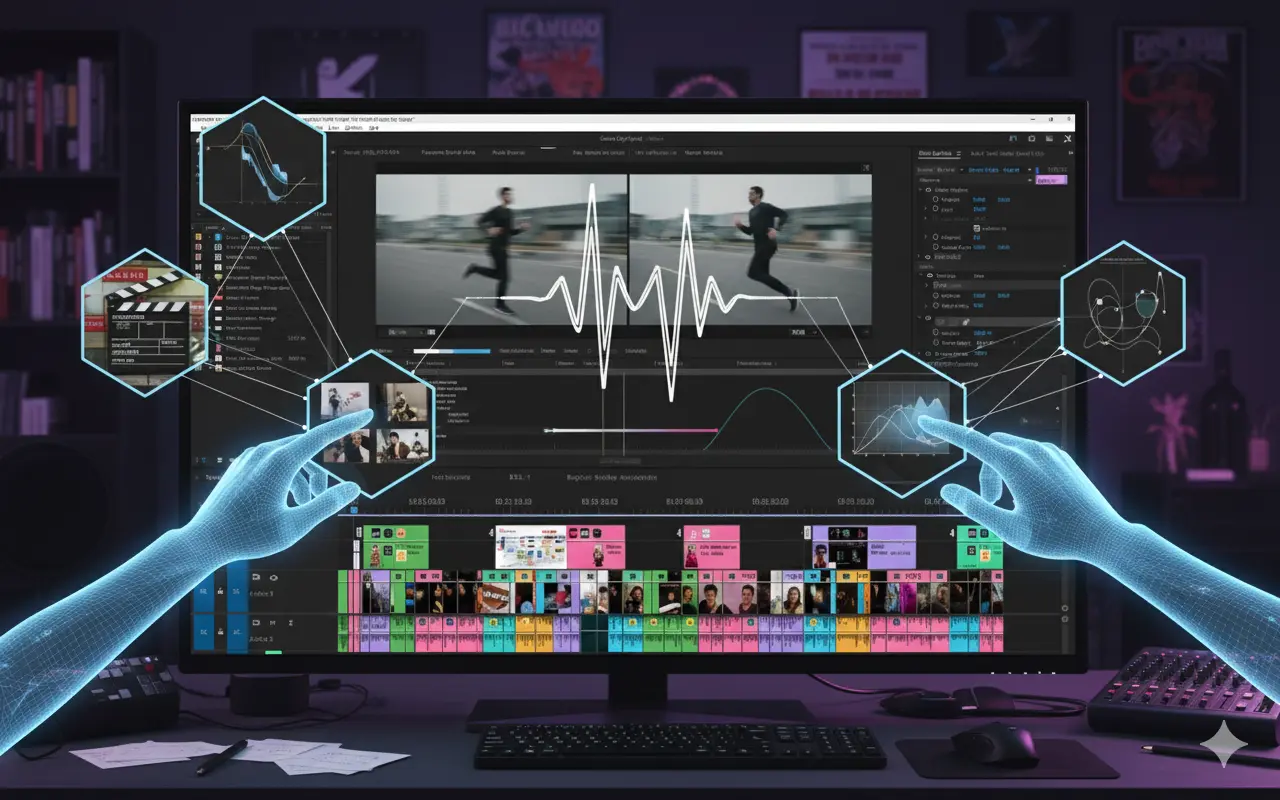
Cinematic Video Editing Workflow

Master smooth cuts, pacing, beat sync, and storytelling for YouTube videos, reels, and cinematic films.

Color Grading

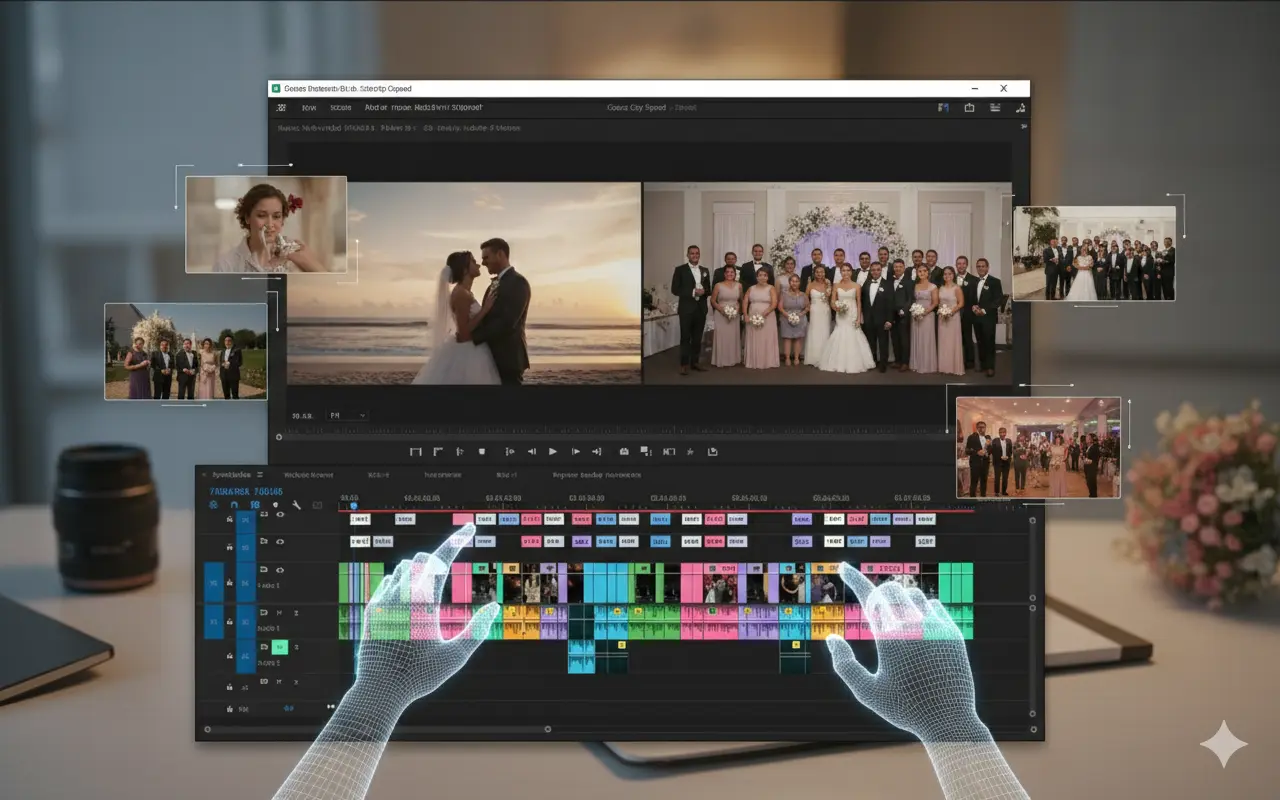
Wedding Highlights & Event Editing

Create professional wedding highlight films, emotional sequences, and clean traditional edits.

Audio Editing

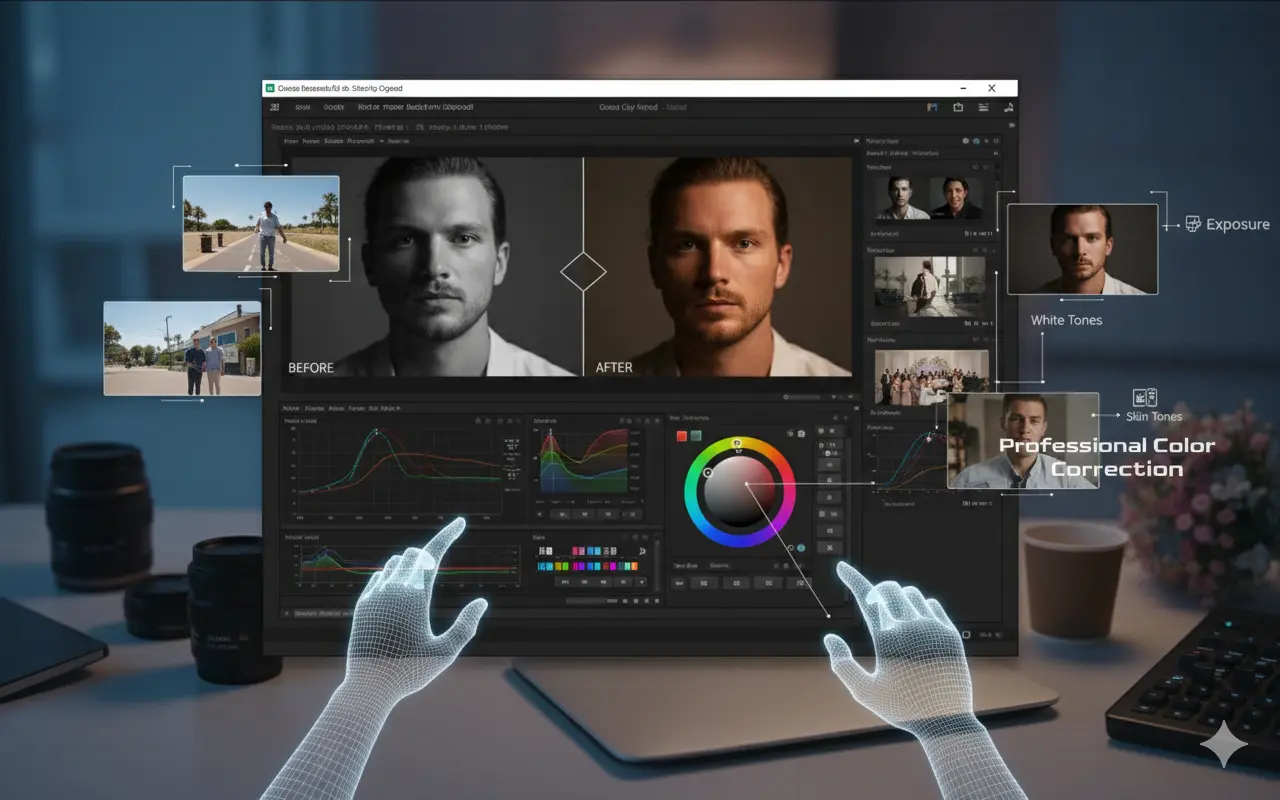
Professional Color Correction

Fix exposure, white balance, and skin tones for DSLR, mirrorless, drone, and mobile footage.

Reels Editing

Cinematic Color Grading & LUT Mastery

Apply, modify, and create custom LUTs to achieve cinematic looks for all types of videos.

Wedding Editing

Cinematic Transitions & Motion Editing

Use whip, zoom, speed ramp, motion match, and smooth transition techniques for any video style.

VFX

Cinematic Film Creation & Final Output

Build complete cinematic films, reels, and YouTube videos with proper pacing, emotion, and storytelling.

Export Settings

All Editing Software & Plugins – Included for Free

Premiere Composer – Drag & drop effects, transitions
Film Impact – Professional smooth transitions
Beauty Box Plugin (Skin Retouching)

AI Tools

AI Tools for Video Creators (Firefly)

Create overlays, titles & creative assets using Adobe Firefly AI.

  • Create AI video elements
  • Generate creative overlays
  • AI-powered title animations
client Projects

Real Practice Footage Included

Work on real footage and learn how to edit professionally with guided practical projects.

AI Tools

No Experience Required

Start from zero β€” perfect for photographers, beginners, content creators, and aspiring video editors.

Course Curriculum

πŸ“ Module 1 – Premiere Pro Basics

View Details β†’

πŸ“ Module 2 – Premiere Pro Tools

View Details β†’

πŸ“ Module 3 – Video Effects & Cinematic Controls

View Details β†’

πŸ“ Module 4 – Audio Editing & Sound Design

View Details β†’

πŸ“ Module 5 – Color Correction (Basic to Advanced)

View Details β†’

πŸ“ Module 6 – Cinematic LUT & Color Space Workflow

View Details β†’

πŸ“ Module 7 – Titles & Essential Graphics

View Details β†’

πŸ“ Module 8 – Cinematic + Traditional Workflow

View Details β†’

πŸ“ Module 9 – Export & Delivery Workflow

View Details β†’
Instructor

Meet Your Instructor

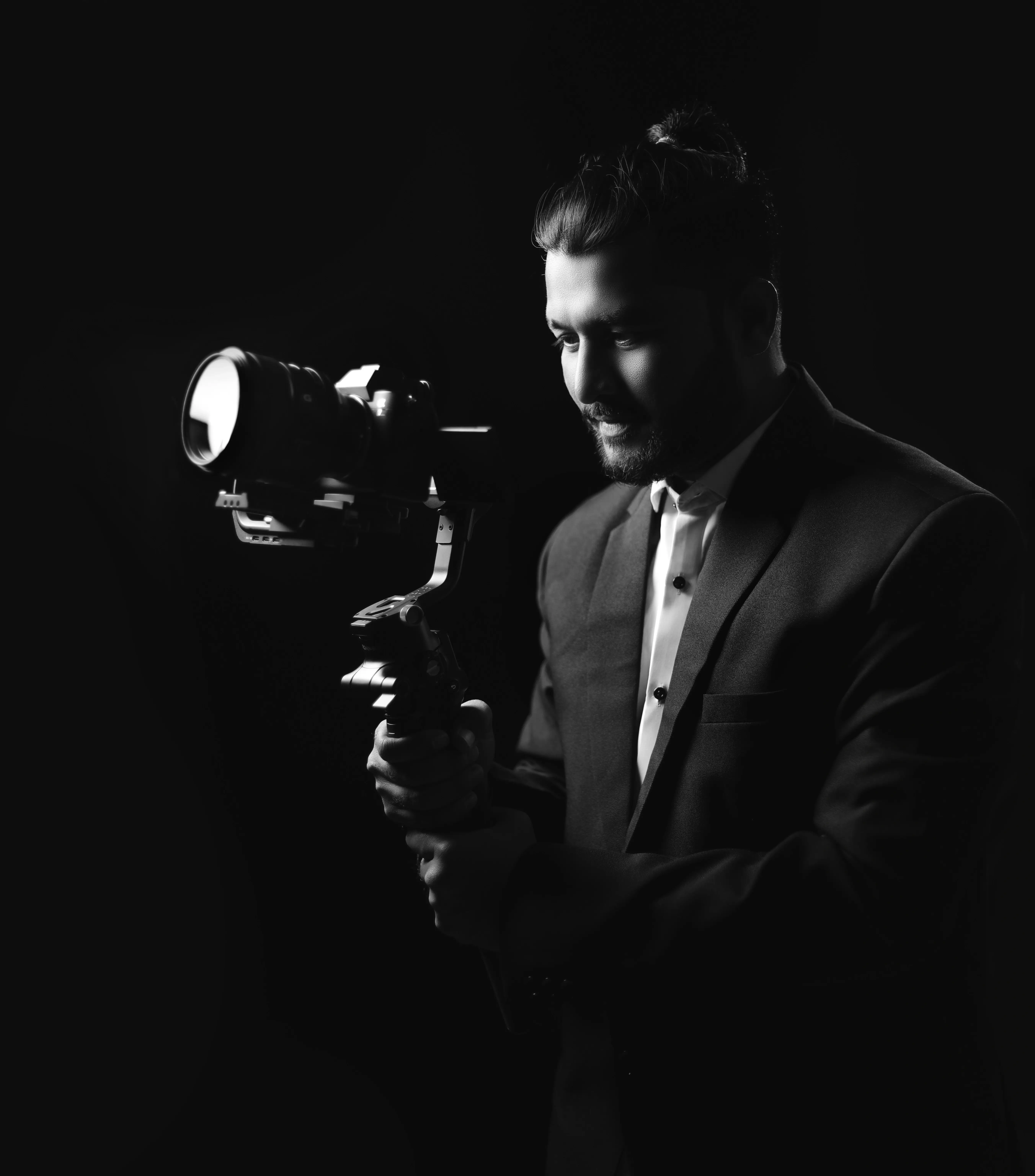
Mayur Bhimrao Chavan

Founder – Shutter Art Film Academy β€’ Pune, Maharashtra

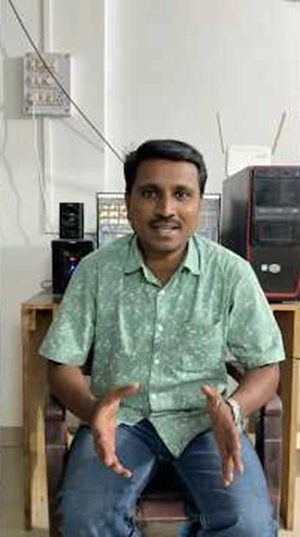
A professional Cinematic Video Editor, Color Grading Artist and DOP-Style Shooter with 10+ years industry experience and 1000+ completed projects across weddings, reels, events and commercial shoots.

10+Years Experience
1000+Projects
1000+Students
15K+YouTube

What Makes Mayur a Top Instructor?

πŸŽ₯ Cinematic Editing Expert 🎬 DOP-Style Video Shooter 🎨 Advanced Color Grading Artist πŸ’Ό 10+ Years Experience πŸ† 1000+ Projects πŸ‘¨β€πŸŽ“ 1000+ Students Trained ▢️ 15K YouTube Followers πŸ“Έ 8K Instagram Followers

Over the last decade, he has worked on cinematic wedding films, traditional videos, event edits, reels, commercial shoots and pre-wedding / short films. His students now confidently edit for studios, wedding teams and YouTube creatorsβ€”mastering his teaching style focused on storytelling, smooth transitions, natural color grading and wedding film aesthetics.

×

πŸŽ₯ DEMO LESSON

Get an idea about my teaching style

Demo 1
β–Ά

Editing Basics

Demo 2
β–Ά

Advanced Effects

Demo 3
β–Ά

Color Grading Tips

Demo 4
β–Ά

Creative Transitions

BONUS PACK

β‚Ή30,000+ Worth Bonuses – FREE Today!

🎁 BONUS #1 – VIP TELEGRAM CHANNEL (Lifetime Access)

  • 50 Cinematic LUTs (β‚Ή12,000 Value)
  • Transition Packs & MOGRTs
  • 4K Light Overlays
  • SFX Library (500+)
  • Premium Fonts Bundle
  • Editable Project Files
  • Plugins & Presets

Total Value: β‚Ή20,000+ β†’ FREE

🎁 BONUS #2 – 50 Cinematic LUTs (Premiere Pro)

  • Wedding Soft Look LUTs
  • Pre-Wedding Cinematic LUTs
  • Haldi Vibrant LUTs
  • Teal & Orange LUTs
  • Skin Tone Fix LUTs
  • Outdoor Vibrant LUTs
  • Night Correction LUTs

Actual Value: β‚Ή12,000 β†’ FREE

🎁 BONUS #3 – 4K Light Overlay Pack

  • 4K Light Leaks
  • Soft Glow Overlays
  • Lens Flares
  • Bokeh Overlays
  • Film Light Textures

Value: β‚Ή1,499 β†’ FREE

🎁 BONUS #4 – Premium Fonts Bundle (1000+)

  • Cinematic Title Fonts
  • Lower Thirds Fonts
  • YouTube Thumbnail Fonts
  • Modern & Stylish Font Families

Value: β‚Ή1,499 β†’ FREE

🎁 BONUS #5 – SFX Mega Library (500+ Sounds)

  • Whooshes & Hits
  • Transitions
  • Ambience
  • Cinematic Drops
  • Professional Sound Pack

Value: β‚Ή1,499 β†’ FREE

🎁 BONUS #6 – Wedding Reels Template Pack

  • 10 Modern Reel Templates
  • Premiere Pro Compatible
  • Drag & Drop Editing
  • Clean Text Animations

Value: β‚Ή999 β†’ FREE

🎁 BONUS #7 – Real Wedding Project Files

  • 2–3 Editable Project Timelines
  • Color Grading Layers
  • Sound Design Setup
  • Timeline Structure
  • Export Settings Included

Value: β‚Ή1,999 β†’ FREE

🎁 BONUS #8 – Beauty Box Plugin (Skin Retouching)

  • Automatic Skin Smoothing
  • Blemish Removal
  • Clean Cinematic Look
  • Perfect for Wedding Edits

Value: β‚Ή4,999 β†’ FREE

🎁 BONUS #9 – Professional Editing Software Access

  • Adobe Premiere Pro (Latest Version)
  • Industry-Trending Professional Plugins
  • Complete Cinematic Editing Setup
  • Ready for Real Wedding & Commercial Projects
  • No Extra Cost – Included with the Course

Value: β‚Ή9,999+ β†’ FREE

πŸ“± Student Success Stories

Real feedback from real students β€” watch their journey

Student testimonial
β–Ά
Student testimonial
β–Ά
Student testimonial
β–Ά
Student testimonial
β–Ά
Student testimonial
β–Ά
Student testimonial
β–Ά
×

FAQ’s

Got questions? Find quick answers to common queries about our Video Editor’s Launchpad.

Absolutely! Each course is designed to take you from the basics to professional-level editingβ€”no prior experience needed.

After purchase, you’ll instantly receive your login details via email. You can start learning right away by logging in to our official website dashboard.

Yes! You’ll have access to a dedicated student support channel where you can ask questions and get personalized help from instructors.

Unlimited! You can rewatch any lesson as many times as you likeβ€”learn at your own pace.

Yes, we offer a 7-day money-back guarantee if you’re not satisfied with your experience.

Of course! Each course includes downloadable project and practice files to follow along easily.

While it’s not UGC or government-certified, our certification is recognized by leading creative professionals and agencies worldwide.

JUST ONE MORE STEP

Choose Your Plan!

00
Days
00
Hours
00
Minutes
00
Seconds

Starter Pass

β‚Ή1,999 β‚Ή7,999
Lifetime Access Enroll Now
  • βœ” Lifetime Access
  • βœ” 150+ Hours Premiere Pro Lessons
  • βœ” All Modules Included (Basic β†’ Advanced)
  • βœ” Practice & Project Files
  • βœ” WhatsApp Chat Support
  • βœ” Public Community Group
  • βœ” FREE 10+ Cinematic LUTs Pack
  • βœ” Certificate After Course
  • βœ” Adobe Premiere Pro – FREE Download (Windows Only)
  • βœ– Monthly Live Class
  • βœ– Adobe Premiere Pro – Download for macOS
  • βœ– 1-to-1 Call Support
  • βœ– Technical Screen-Share Support

Premium Mastery Pass

β‚Ή4,999 β‚Ή14,999
Lifetime Access Enroll Now
  • βœ” Lifetime Access
  • βœ” 150+ Hours Full Premiere Pro Course
  • βœ” All Upcoming Updates Free
  • βœ” Practice & Project Files
  • βœ” WhatsApp Priority Support
  • βœ” Private Community Group
  • βœ” FREE 12 Cinematic LUTs Pack
  • βœ” Certificate Included
  • βœ” Monthly Live Class (Q&A + Project Breakdown)
  • βœ” 1-to-1 Live Call Support
  • βœ” Adobe Premiere Pro – FREE Download (Windows & macOS)
  • βœ” Technical Support + Screen Sharing
  • βœ– Daily Live Teaching Classes
πŸ’° 7-Day Money Back Guarantee
Money Back Guarantee

100% Money-Back Guarantee

Complete the full course exactly as designed. If it doesn’t deliver the promised transformation, you get a full 100% refund.

WhatsApp Enroll Now
×

πŸ“ Module 1 – Premiere Pro Basics

Create New Project

Learn how to start projects with proper settings for smooth and optimized editing workflow.

Workspace & Layout

Customize your interface for a professional, fast, and distraction-free editing environment.

Editing Interface Overview

Understand each panel, tool, and menu inside Premiere Pro and how they fit into the workflow.

Import Media Files

Learn correct methods to import videos, audio, and graphics without breaking project structure.

Organize Media Files

Build professional folder systems using bins, labels, and smart media management techniques.

Create & Manage Sequences

Create perfect sequence settings for cinematic edits, YouTube videos, and weddings.

Source Monitor

Preview, trim, and select the best clips using a clean pre-edit workflow.

Timeline Basics

Learn cutting, trimming, arranging, and multi-layer editing β€” the foundation of fast editing.

Program Monitor

Preview final output using proper monitoring, playback resolution, and safe display guides.

×

πŸ“ Module 2 – Premiere Pro Tools

Selection Tool

Your primary tool for choosing, trimming, moving, and adjusting video clips.

Track Select Forward Tool

Shift entire timelines while maintaining sync and structure.

Ripple Edit Tool

Trim clips while automatically closing gaps for faster editing.

Rolling Edit Tool

Adjust the cut point between two clips without affecting total duration.

Rate Stretch Tool

Adjust speed to match exact duration β€” ideal for beat-sync edits.

Remix Tool

Automatically shorten or extend music tracks while preserving beat flow.

Razor Tool

Cut clips precisely anywhere on your timeline.

Slip Tool

Change clip in/out points without moving the clip’s position.

Slide Tool

Slide clips while maintaining original content and synchronizing surrounding clips.

Pen & Shape Tool

Create keyframes, adjust audio, draw shapes, and create animations.

Hand & Zoom Tool

Navigate and zoom through timeline areas with precision.

Type Tool

Add titles, captions, subtitles, and cinematic text.

×

πŸ“ Module 3 – Video Effects & Cinematic Controls

Effects Control Panel

Master animation, keyframes, scale, motion, and effect control.

Opacity & Masking

Create masks, transparency effects, fades, and cinematic reveals.

Blending Modes

Apply overlays, light leaks, and double exposure using blend modes.

Transition Effects

Learn basic to cinematic transitions like film dissolves & creative cuts.

Warp Stabilizer

Fix shaky footage and create smooth camera motion.

Crop & Cinematic Bars

Create split screens, wipes, and cinematic black bars.

Time Remapping

Use speed ramps and dynamic motion edits for cinematic effect.

Adjustment Layers

Apply LUTs, effects, and color grading globally and nondestructively.

Nesting

Combine complex edits into single nested clips for advanced workflows.

×

πŸ“ Module 4 – Audio Editing & Sound Design

Basics of Audio Editing

Understand audio fundamentals β€” waveforms, channels, loudness and how audio fits into your video timeline.

Volume Control & Gain

Master gain staging, clip gain and keyframed volume to keep dialogue and music balanced and clear.

Audio Effects (Essential Sound Panel)

Use Premiere Pro's Essential Sound presets to quickly polish dialogue, music and sound effects.

Syncing Audio (Auto & Manual)

Sync external recorder audio with camera tracks using automatic tools and manual alignment techniques.

Noise Reduction & Cleanup

Remove background noise, wind, hum and other artifacts for clean, broadcast-ready dialogue.

Sound Effects & Transitions

Add cinematic whooshes, risers and natural ambience to enhance motion and emotional impact.

Music Syncing & Beat Matching

Cut to beats, match energy and structure edits around music for punchy, rhythmic sequences.

Audio Mixing (Final Polishing)

Balance dialogue, music and FX using tracks, buses and master loudness to achieve a professional final mix.

Using Adobe Audition (Bonus Intro)

Quickly move problem tracks into Audition for deep cleanup and advanced sound design techniques.

×

πŸ“ Module 5 – Color Correction (Basic to Advanced)

Analyse Color (Scopes & Exposure Check)

Learn to read Waveform, Vectorscope and RGB Parade to evaluate exposure, contrast, balance and accurate skin tones before applying corrections.

Basic Color Correction

Fix exposure, contrast and white balance to restore natural and clean-looking footage across different cameras and lighting conditions.

Advanced Color Correction (Skin Tone Fixing)

Correct unwanted color casts, match different cameras and achieve perfect bride–groom skin tones for wedding and portrait footage.

Color Wheels & Match

Use Lift–Gamma–Gain, midtones and automatic color match tools to unify colors across multiple shots and ensure consistent grading.

×

πŸ“ Module 6 – Cinematic LUT & Color Space Workflow

Understanding LOG Footage

Learn why cameras shoot flat LOG profiles like S-Log, C-Log, D-Log and V-Log, and how they preserve dynamic range for cinematic color grading.

LOG to Rec.709 Conversion

Convert flat LOG footage into natural-looking Rec.709 colors using technical LUTs without losing detail or dynamic range.

Technical vs Creative LUTs

Understand the difference between technical color-conversion LUTs and cinematic look LUTs β€” and when to apply each for best results.

How to Apply LUTs Properly

Apply LUTs at the correct stage (Input vs Creative), adjust intensity, refine contrast, and avoid oversaturation or color clipping.

Customize LUTs for Cinematic Look

Modify LUTs using curves, HSL, color wheels and contrast controls to create your own signature cinematic aesthetic.

Wedding LUT Workflow

A complete event-based workflow using cinematic looks for:

  • Warm Haldi colors
  • Vibrant Sangeet tones
  • Soft Reception ambiance
  • Romantic Varmala grading

Skin-Tone Safe LUT Techniques

Preserve natural bride–groom skin tones even when applying strong cinematic LUTs β€” the key to professional wedding edits.

Using the Premium LUT Pack

Apply and customize premium LUTs included in the course:

  • Cinematic Warm
  • Bollywood Romantic
  • Natural Skin
  • Soft Highlight
  • Teal & Orange
  • Clean YouTube Look

Create & Export Your Own LUTs

Build your own creative looks and export them as LUT files to create a reusable personalized color-grading library.

×

πŸ“ Module 7 – Cinematic Titles & Essential Graphics

Basic Title Creation

Learn how to add clean titles, simple text layers, lower thirds, captions and essential typography for cinematic videos.

Create Custom Titles

Design beautiful titles by adjusting fonts, spacing, strokes, shadows, backgrounds and advanced styling options.

Essential Graphics Panel

Master the full Essential Graphics workflow to edit templates, build professional lower thirds and create motion graphics elements.

Create & Save Templates (MOGRT)

Create reusable title templates, customize them and export .mogrt files for fast, consistent editing.

Cinematic Title Animation

Animate titles using fade-ins, motion slides, zoom-ins, mask reveals and soft cinematic transitions.

Stylish Lower Thirds

Create clean, elegant lower thirds perfect for wedding films, event videos and YouTube content.

Callouts & On-Screen Labels

Design minimalistic callouts and labels for product videos, wedding details and cinematic highlight sequences.

Built-In Title Templates

Use and customize Adobe’s built-in templates to speed up workflow and achieve polished results quickly.

×

πŸ“ Module 8 – Cinematic + Traditional + Event Editing Workflow

Object Mask Tool (AI)

Use the AI-powered Object Mask tool to highlight subjects, enhance skin tones, correct backgrounds and create polished event shots.

Cinematic Transition Effects

Apply professional transitions using Film Impact and Premiere Composer plugins, including whip, zoom and lens-blur motion effects.

Instagram Reel Editing – Part 01

Build short-form edits with beat sync, simple transitions and clean pacing tailored for reels and vertical videos.

Instagram Reel Editing – Part 02

Create advanced reels using speed ramping, motion blur, multilayer edits and dynamic camera-movement effects.

Wedding Highlight Film – Part 01

Learn the full storytelling approach: shot selection, emotional pacing, sequencing and music-driven structure.

Wedding Highlight Film – Part 02

Build complete professional highlight films with layered transitions, rich sound design and signature cinematic depth.

×

πŸ“ Module 9 – Export & Delivery Workflow

Export Video Using Premiere Pro

Learn the best export presets and settings for wedding films, YouTube videos, cinematic projects and clean low-size exports without losing quality.

  • High-quality master export workflow
  • Low-size export for sharing
  • Wedding 1080p/4K export settings
  • Recommended bitrate & rendering options

Export Using Media Encoder

Use Adobe Media Encoder for faster, stable and parallel exports while keeping Premiere Pro free for editing.

  • Queue multiple sequences
  • Background exporting workflow
  • Batch delivery for wedding projects
  • Fast exporting without lag

Share Project Files

Learn safe ways to share projects with clients, editors or team members without missing media issues.

  • Full project packaging
  • Copy media + project workflow
  • Clean folder structuring
  • Avoid broken links & offline media

Export for Instagram Reels / Shorts

Learn the ideal vertical video export settings for Reels, Shorts and TikTok.

  • 1080Γ—1920 vertical resolution
  • Best bitrate & quality settings
  • Sharp, clean export workflow
  • Color-safe export for social media

Export for YouTube (HD + 4K)

Use YouTube-optimized presets and compression-safe techniques to keep your uploads sharp and clean.

  • YouTube Standard preset
  • High bitrate vs low bitrate use-cases
  • YouTube compression-safe workflow

Export for Mobile & Low-Storage Clients

Create WhatsApp-friendly versions of your videos without losing clarity. Ideal for wedding deliveries.

  • Small file size exports
  • Clear + sharp quality
  • Perfect for mobile sharing